Introduction
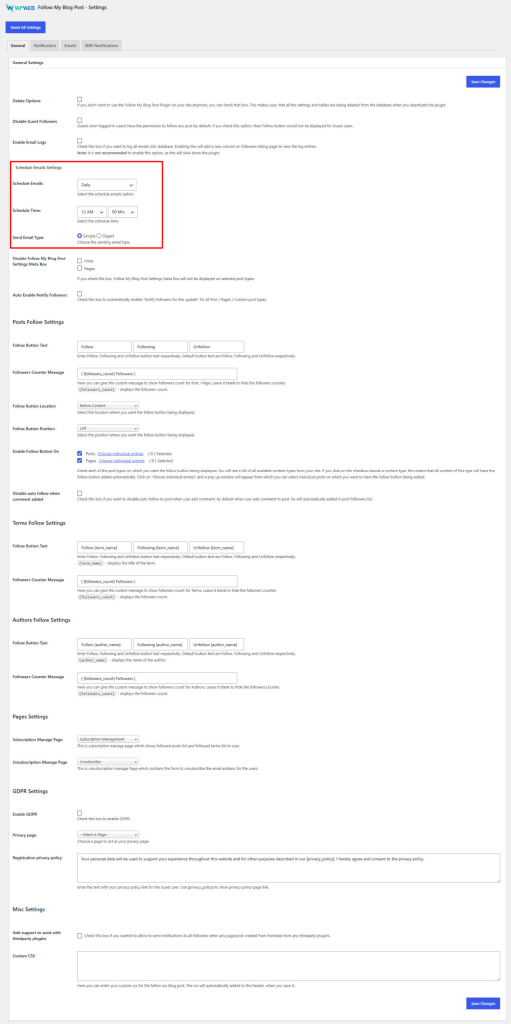
With the Schedule Emails Extension for the Follow My Blog Post Plugin you can schedule your emails hourly, daily, twice daily or weekly.
General Settings
After you successfully installed the extension, you will find a new section called “Schedule Emails Settings” in “General Settings Tab” as shown in the image below:
To access settings, follow this path Follow My Blog Post→ Setting -> Emails Tab
Email Settings
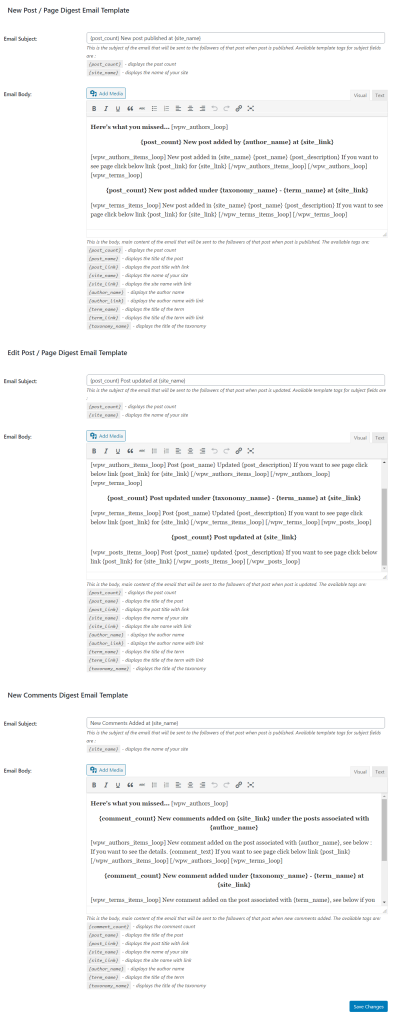
You will also find 3 new templates for digest emails at the bottom of “Emails Settings Tab” as mentioned in the image below:
For more information, please refer to the documentation.