Introduction
With the SMS Notifications Extension for the Follow My Blog Post Plugin you can send Custom SMS to Followers of posts/pages, Terms or Authors.
SMS Notification Settings
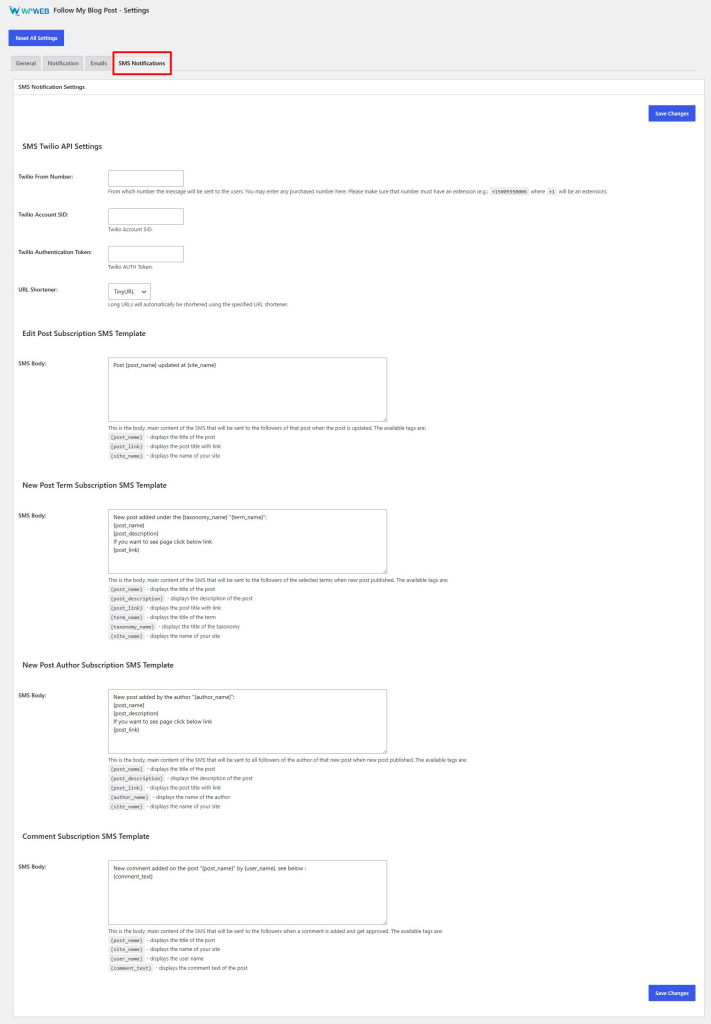
After you successfully installed the extension, you will find a new section called “SMS Notifications” in Follow My Blog Post settings page as mentioned in the image below:
To access settings, follow this path Follow My Blog Post→ Send Emails / SMS
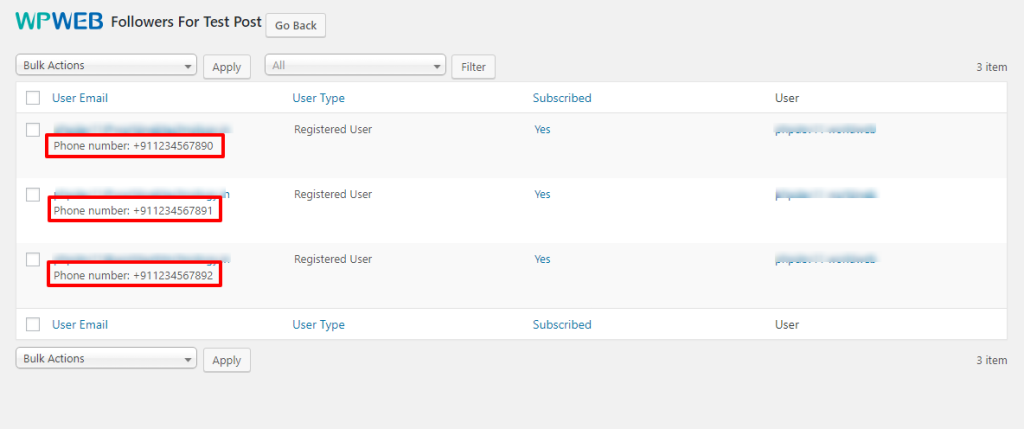
Viewing SMS followers of Posts
When you open list of followers for particular post, you can see phone number along with email id as mentioned in below screenshot:
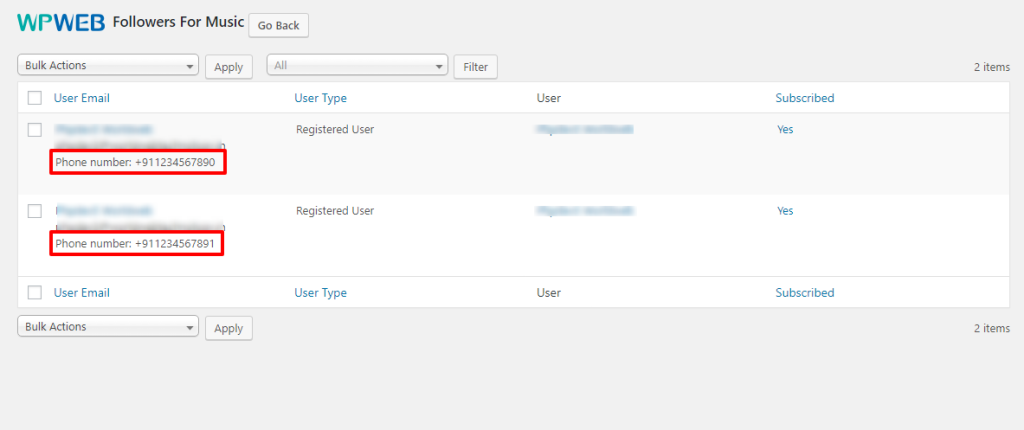
Viewing SMS followers of Terms
When you open list of followers for particular terms, you can see phone number along with email id as mentioned below in screenshot:
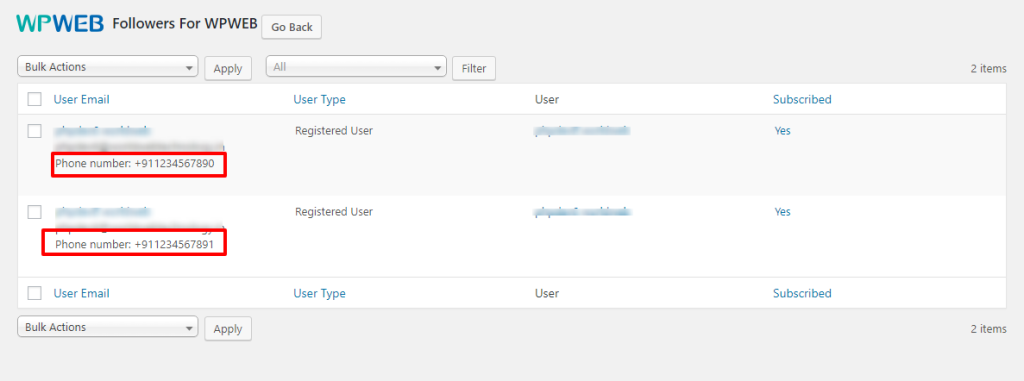
Viewing SMS followers of Authors
When you open list of followers for particular author, you can see phone number along with email id as mentioned below in screenshot:
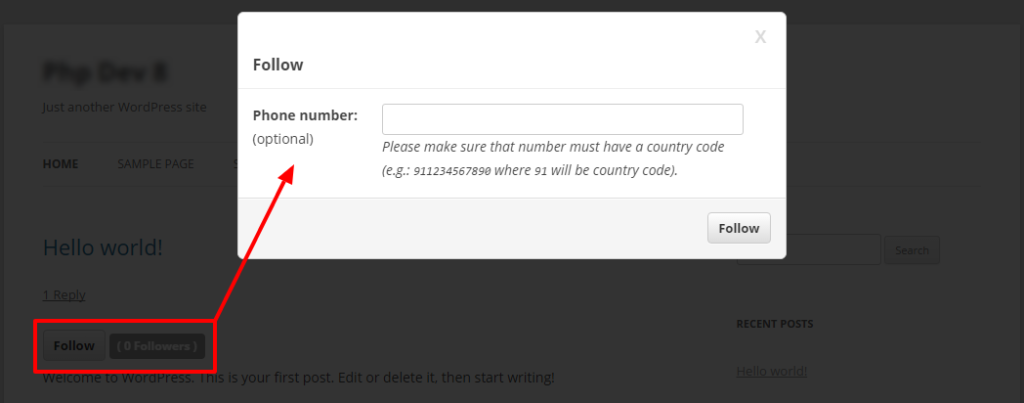
SMS Notifications on the Frontend
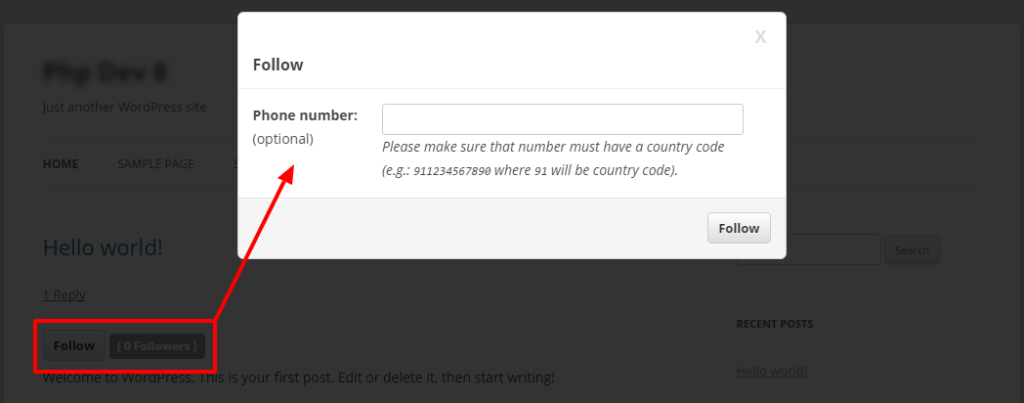
Guest User
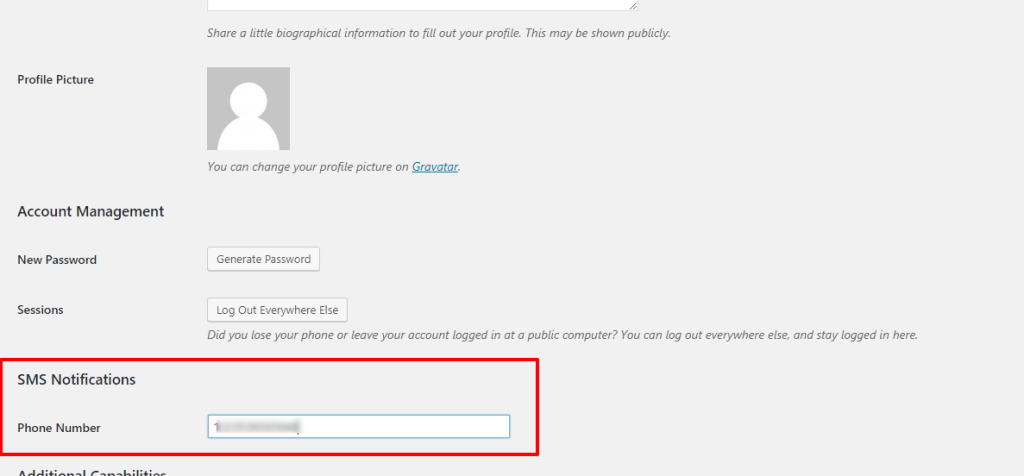
Update Phone Number
For more information, please refer to the documentation.